Bramble Scramble
Unavailable right now
Works on computer, phone and tablet
Bramble Scramble
Poke the tofu while you wait
Leaderboards
About & controls LeftRight Move (A and D work too) SpaceUp Grow a vine (W works too)
About Bramble Scramble
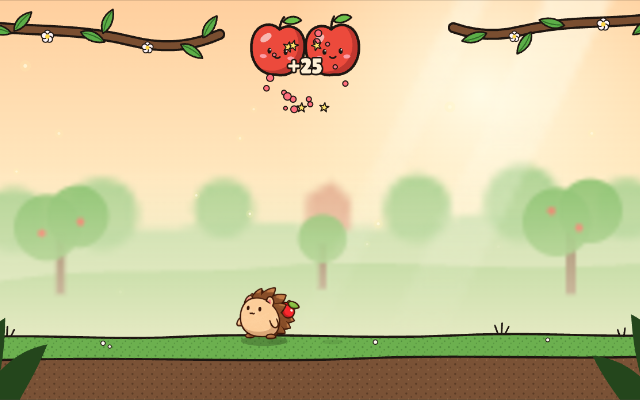
A watermelon has gone rogue and the whole orchard is bouncing. You’re a hedgehog farmer with one trick: a vine that shoots straight up out of the ground. Every hit splits a fruit into two smaller ones, jackfruit to pumpkin to watermelon to apple to cherry to blueberry, until there’s nothing left but juice.
Work your way along the orchard path one level at a time, and one hit is all it takes. Every timed level has its own leaderboard, so grind your fastest clear on any of them and post it, or share a keyboard with a friend.
How to play
Move left and right and grow a vine to pop the fruit above you. Clear every last blueberry before the timer runs out (on the one survival level, just hold out until it does). A fruit landing on you, or the timer running out, and the level starts again. Beat your best time on each one. Fruit that flies up into the thorns along the top pops whole. Popped fruit sometimes drops something: a sticky vine that roots in the thorns, quill darts, a bark shield, a spare heart that drops you back in where you were hit, or more time. When a tree trunk splits the orchard, clear your side to open its gate, and watch out for thorns that creep down from above. Hold down to curl up into a ball and roll: you’re faster and low enough to slip under a high bounce, and growing a vine pops you straight back up onto your feet. With a friend you play on from any level you’ve reached and share six hearts; a bonked partner is back in five seconds, and once the hearts are gone, whoever’s bonked sits out until the level is cleared.
Controls
- LeftRight
- Move (A and D work too)
- SpaceUp
- Grow a vine (W works too)
- Down
- Hold to curl up and roll (S works too)
- ADWS
- Player 2 in a two-player game: move, grow a vine (Q works too), roll
- Esc
- Pause
- Tap
- On-screen arrows, the vine button and the roll button
On a phone or tablet, use the on-screen buttons.
Comments